2026
Fablery
A language you learn by turning the page, not by drilling.
Learn a language through illustrated micro-stories that adapt to your level: tap any word, hear it, and keep a living vocabulary deck.
A self-initiated concept, designed like a real product.
The brief we set ourselves
Design a language app built around reading: short illustrated stories at your level, any word tappable for its meaning and sound, and a vocabulary deck that grows from what you actually read.
Who it is for
Adult learners between A2 and B2 who are bored of drills and streak games and want to read something real — a few minutes at a time.
What we designed
A story shelf by level, the reader with tap-to-translate, a bottom word sheet with audio and an example, the story-complete moment — and the components behind them.
Design facts from the concept files — not business results.
02ResearchLearners have apps for drills. Few have something to read.
We looked at the size of the category, at an argument that product design matters more than the model in consumer AI, and at how language-app cases on Behance and Dribbble present a lesson.
We looked at the size of the category, at an argument that product design matters more than the model in consumer AI, and at how language-app cases on Behance and Dribbble present a lesson.
- Category
Duolingo passed 50M daily active users in Q3 2025, up 36% year on year — language learning is big and still growing.
DecisionDo not compete on drills; take the reading niche next to them — stories, not exercises.
- Design > model
a16z argue that in consumer AI the details of product design can matter more than raw model quality.
DecisionAdaptive stories are a design problem: how a tapped word looks, where the meaning appears, how a new word reaches the deck without leaving the page.
- Gallery patterns
Most language-app shots are lesson screens with cartoon mascots and progress bars; reading is shown as a wall of text.
DecisionMake reading feel like a picture book for adults: a scene per page, large Literata text, word states as quiet tints and one translation at a time.
Patterns we borrowed
- LingQ
- Only the content-first idea of learning by reading; its dense interface was not audited or reused
- E-readers
- Scene progress segments, an Aa control and generous serif text
- Dictionary apps
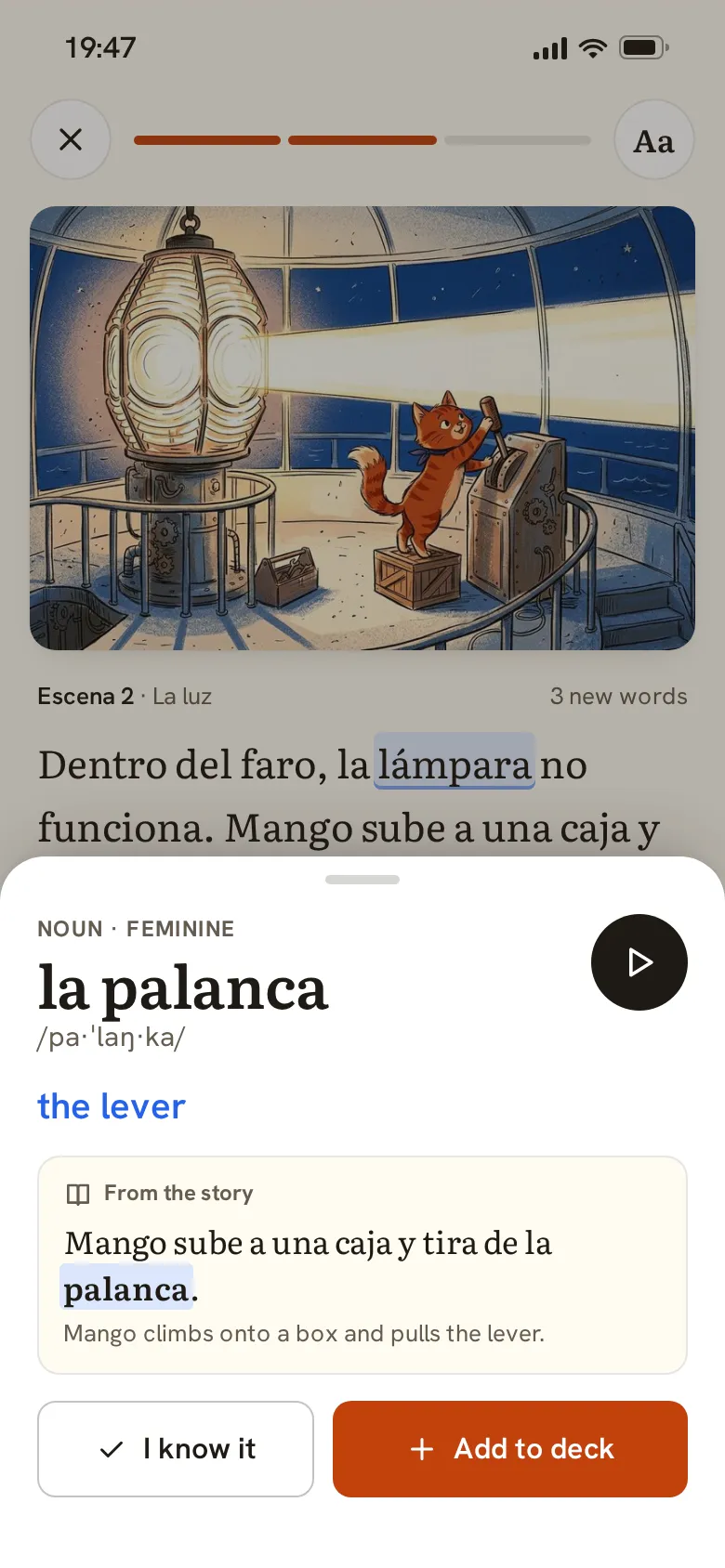
- A bottom word sheet: part of speech, IPA, audio, translation and the example sentence
- Flashcard apps
- A deck fed by reading, with recall rating on the back of the card
What we left out
Logos, mascots, copy and screens of any language app. Fablery has its own name, mark and risograph-style illustrations; the story is written for the concept.
Moodboard references
From a grey page of text to a story you want to finish.
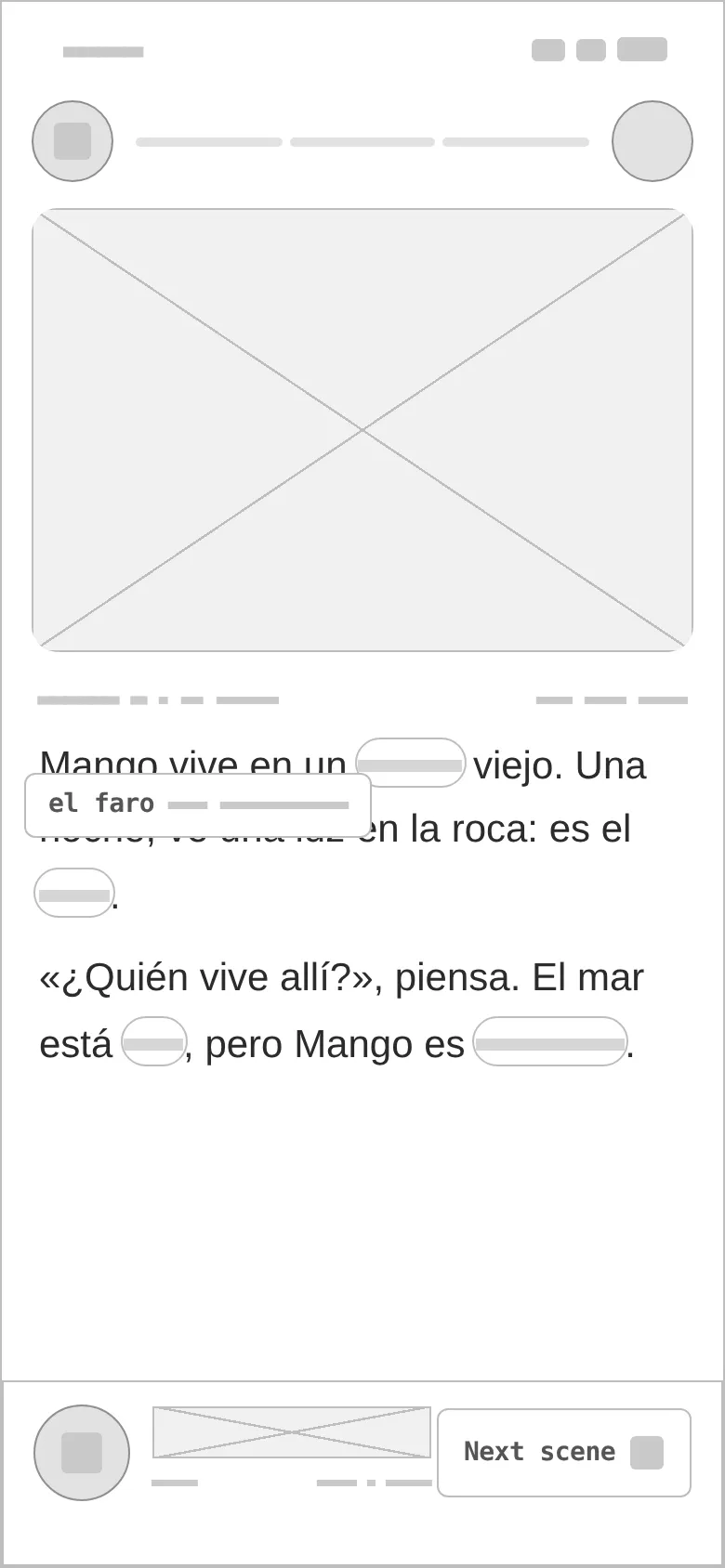
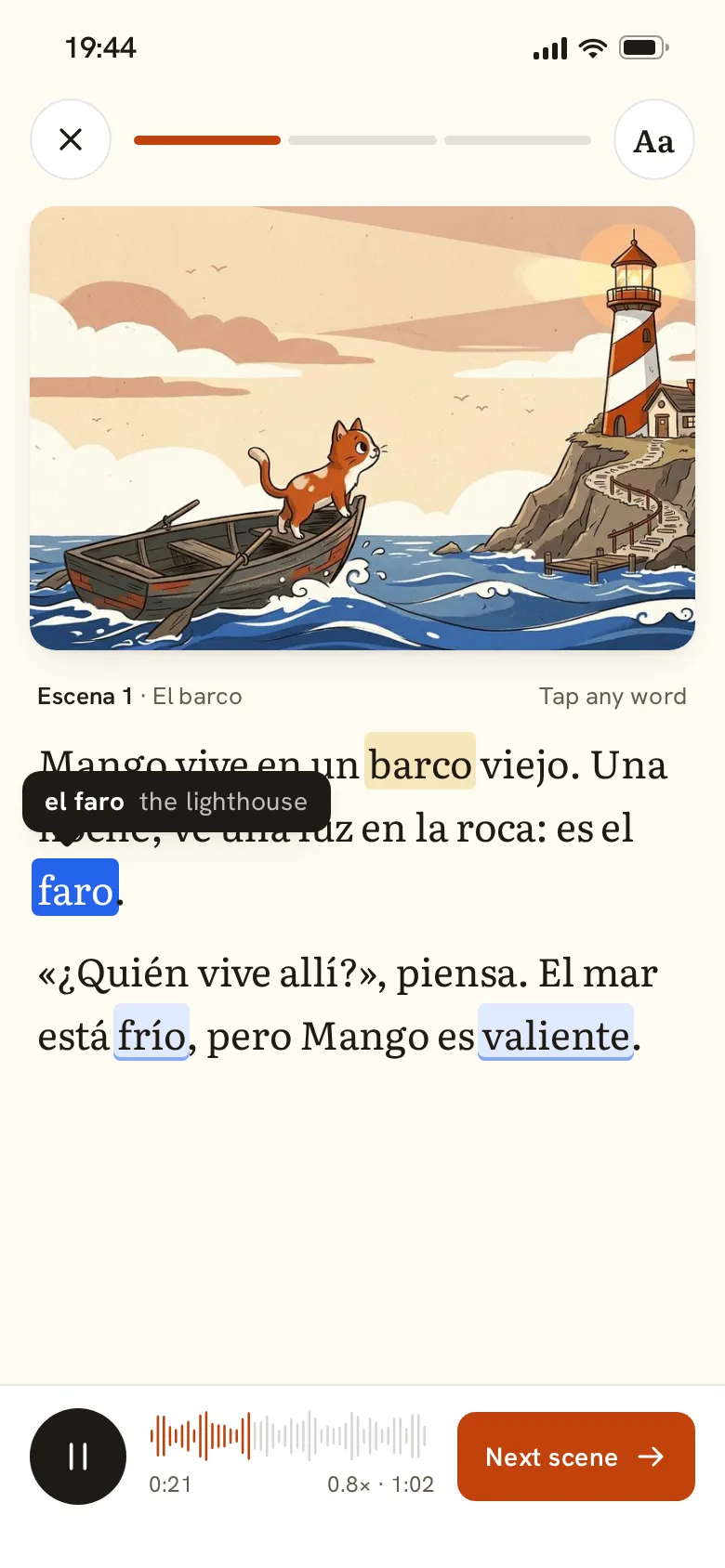
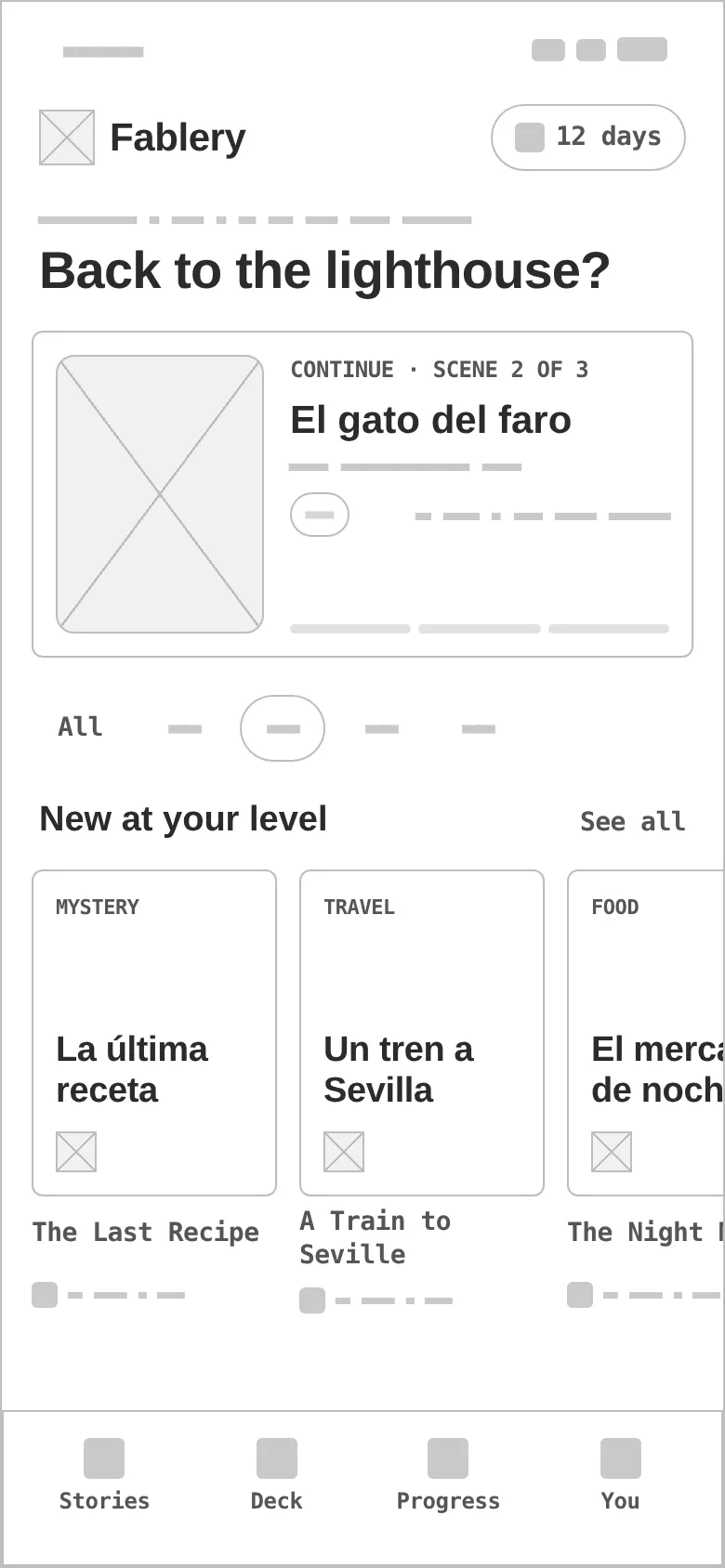
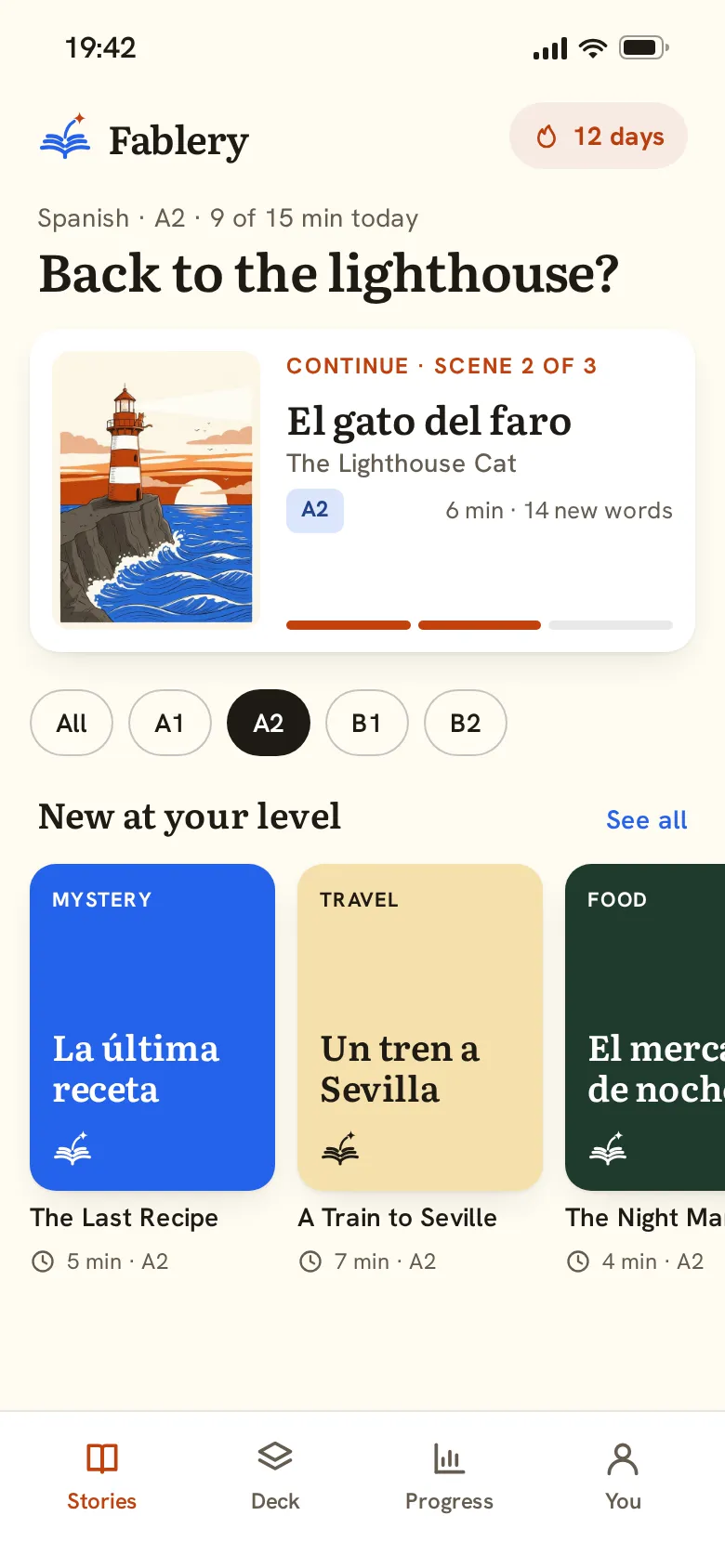
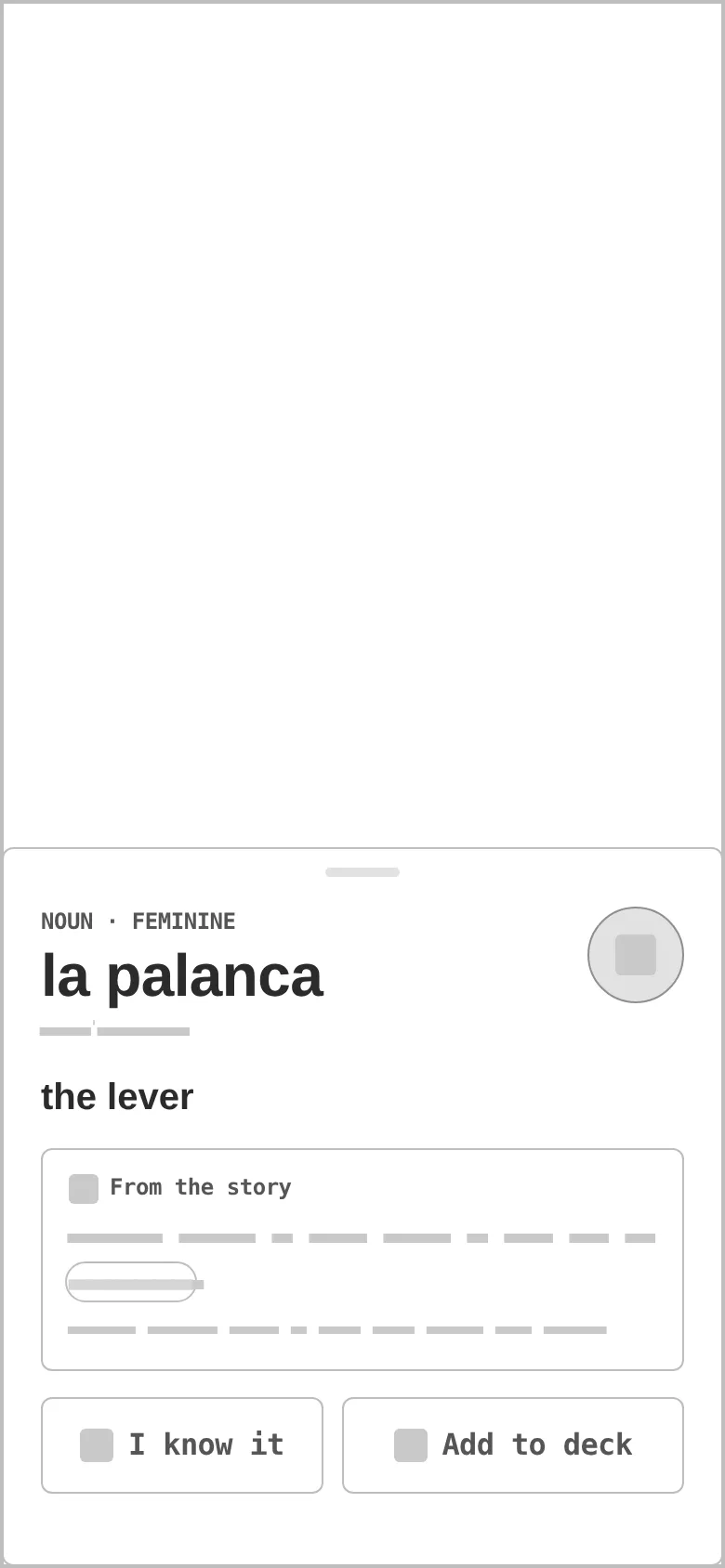
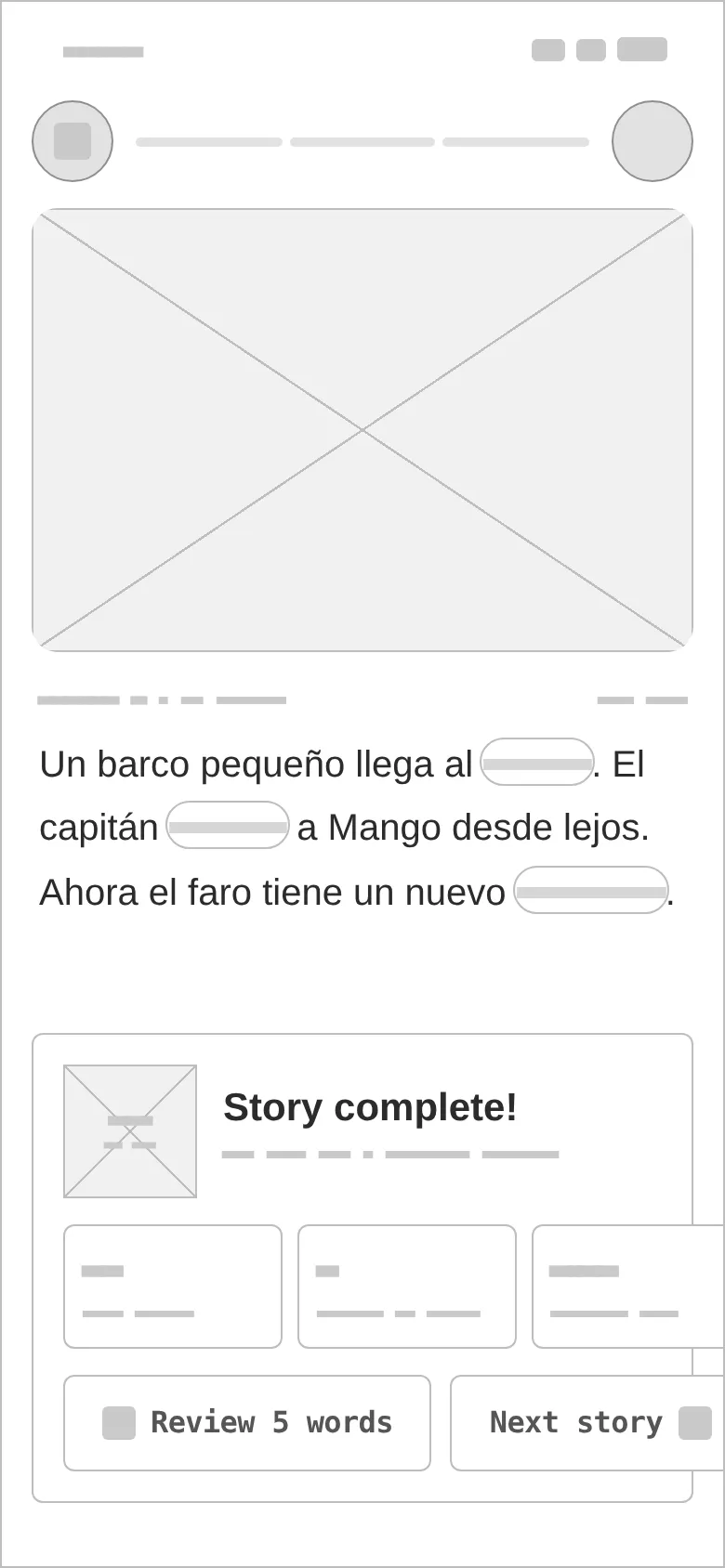
Every «before» is generated from the very same screen markup, reduced to outlines, readable labels and grey word-bars — no colour, illustration or word states. Drag a handle to compare.
- 01
Hierarchy
The scene first, then the text; controls are reduced to close, progress and Aa so the page reads like a book.
- 02
Reading type
Large Literata for the story, Hanken Grotesk for every control — the two voices never mix, so learners always know what is content and what is UI.
- 03
States
Words in the deck, new words and the tapped word with its tooltip; a dimmed reader under the word sheet; locked, illustrated and typographic story covers.
- 04
Assets
One illustrated cover and three scenes made for the concept, with the same ginger cat; the other shelf stories use typographic covers by design, not as placeholders.
- 05
Reward without noise
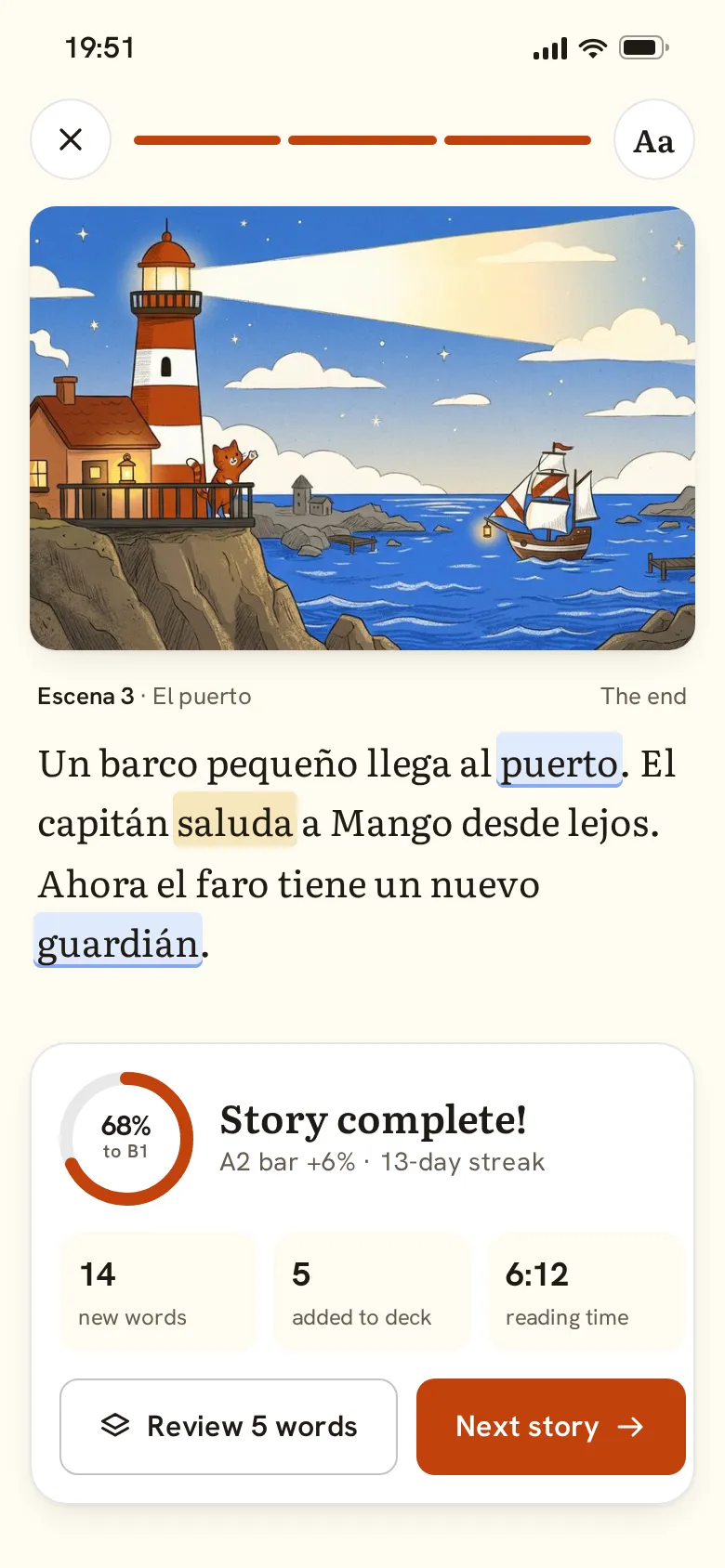
The end of a story is a card, not a confetti screen: 68% to B1, 14 new words, 5 added, reading time — and two clear next steps.
- 06
Real-looking data
A real Spanish A2 text with IPA, an example from the story, a 12-day streak and level progress — real lengths test the sheet and the tooltip.
Brick for the story, ink blue for the words.
Brick red carries actions and progress (5.2:1 with white text); ink blue marks words and links (5.0:1 on paper), so the two brand colours split «doing» from «reading». Literata sets the stories, Hanken Grotesk the interface.
An open book in ink blue with a spark trail rising to a brick star — story plus discovery. Variant 3 of a grid of four directions, redrawn as stroked page arcs that read at 24–32 px.
#C2410C
vs bg 5.01:1 · label 5.18:1
#2563EB
on bg 5:1
#1F1A14
on bg 16.72:1
#FFFBF2
text on it 16.72:1
#FFFFFF
text on it 17.27:1
#665C50
on bg 6.33:1
Accent / bg 5.0:1 — ink blue passes for text, so it marks words in the deck and text links; brick stays for actions.
Literata 600Fablery
Literata 600Adult learners A2–B2 who are bored of drills
Hanken Grotesk 400 · 16/26Learn a language through illustrated micro-stories that adapt to your level: tap any word, hear it, and keep a living vocabulary deck.
Hanken Grotesk 600 · 12learning / languages
Four screens, one story from the shelf to the last page.
Reader · tap to translate
Scene progress, the first illustrated scene, story text with word states and one tooltip at a time, and an audio bar at 0.8× with Next scene.
Story shelf
Continue where you stopped, level chips A1–B2 and new stories at your level as illustrated and typographic covers.
Word sheet
«la palanca» with part of speech, IPA and audio, the translation, the sentence it came from, and I know it / Add to deck.
Story complete
The last scene, a progress ring to the next level, new words, added words and time — then Review 5 words or Next story.
Word states
In deck, new and tapped — tints and underlines, quiet enough to keep reading.
Bottom word sheet
Everything about one word, with the story still visible above it.
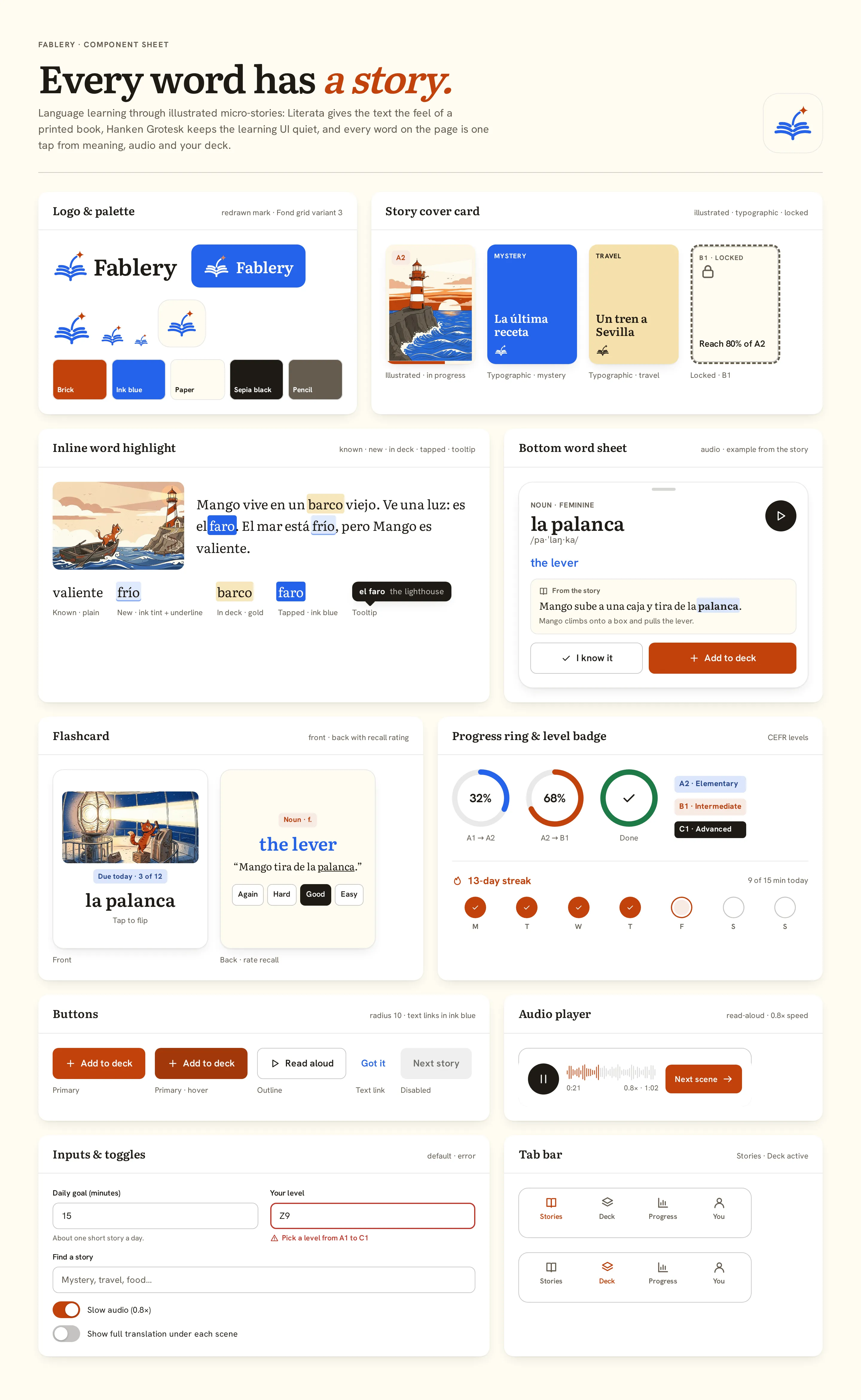
Component sheet
Logo and palette, story cover cards (illustrated / typographic / locked), inline word highlight states with the tooltip, the bottom word sheet, flashcard front and back with recall rating, progress rings, CEFR badges, streak week, audio player, buttons, inputs with error, toggles and tab bars.
StorybookCuriousEditorial
Questions & answers
Is Fablery a real product?
No. Fablery is a self-initiated concept by Omnisense — a brief we set ourselves, with no client and no business metrics. The story, learner and stats in the screens are sample data; the story is written for the concept.
Who is Fablery for?
Adult learners between A2 and B2 who are bored of drills and streak games and want to read something real — a few minutes at a time.
How does tap-to-translate work?
Any word in a story is tappable for its meaning and sound. A tooltip shows one translation at a time, and a bottom word sheet adds part of speech, IPA, audio and the example sentence, with «I know it» or «Add to deck».
Where does the vocabulary deck come from?
From what you actually read: new words reach the deck without leaving the page, and the deck is reviewed as flashcards with a recall rating on the back.
What did you design?
A story shelf by level, the reader with tap-to-translate, a bottom word sheet with audio and an example, and the story-complete moment — plus the component sheet, logo, palette and type system.